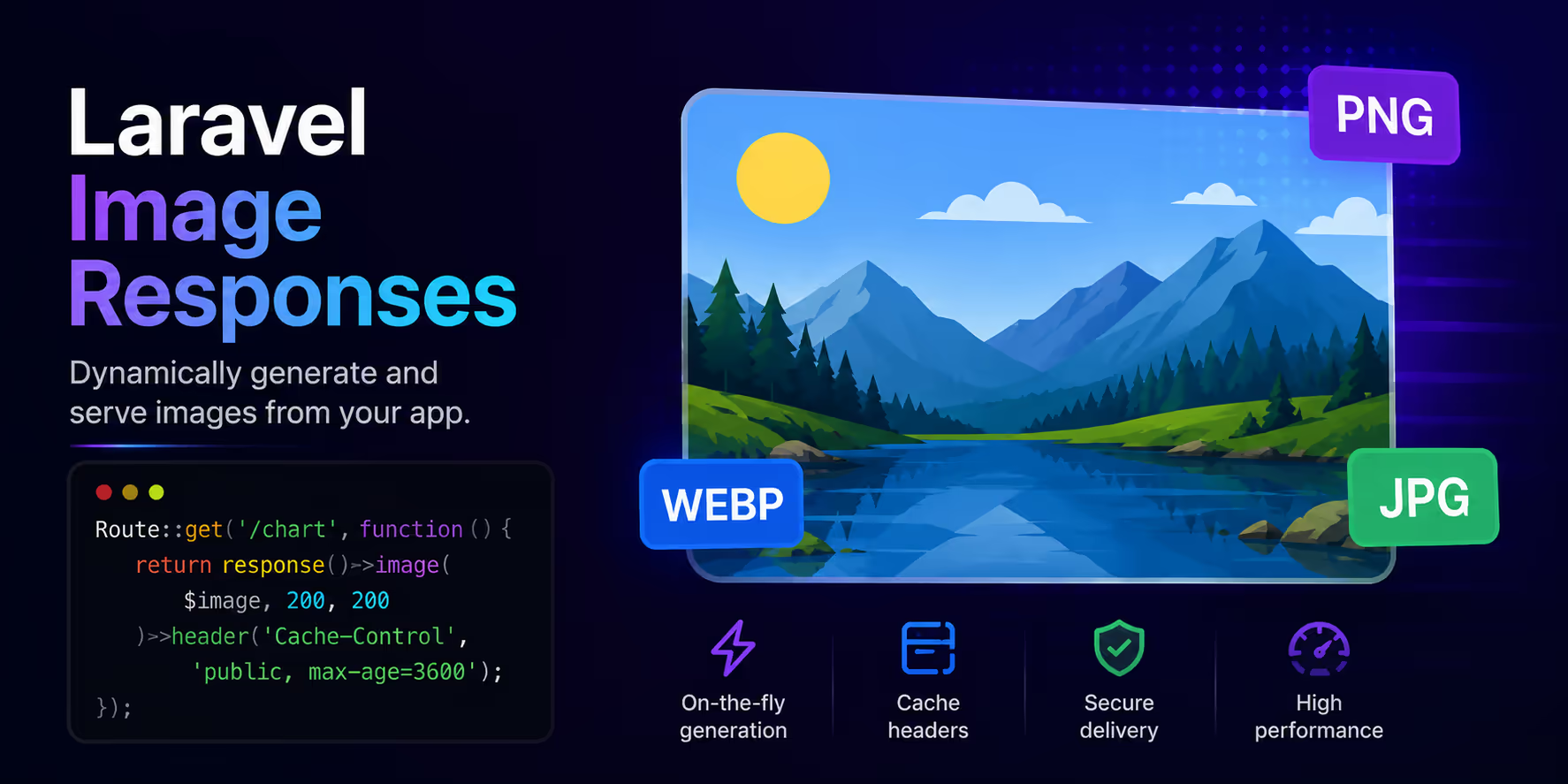
拉拉维尔的
first-party image API
has been good at the write path since 13.20: take an upload, transform it, put it on a disk. The read path was less tidy. Serving a resized image over HTTP meant calling
toBytes()
, building a response, and setting the content type yourself, which is three lines of boilerplate in every controller that does it.
Laravel 13.25 makes
Image
实施
Responsable
contract, so an image instance is a valid return value from a route or controller. Two related additions landed in the same release,
Image::fromStream()
and a public
toFormat()
, and together the three cover most of what an image endpoint needs.
Returning an Image
使用

Illuminate\Support\Facades\Image
;路线
::
得到
(
'/avatars/{user}'
,
功能
(
用户
$user) {
返回

图像
::
fromStorage
($用户)
->
avatar_path)
->
cover
(
200
,
200
)
->
toWebp
()
->
质量
(
80
(英文):});
That is the whole thing. The framework calls
toResponse()
, which runs the pipeline, returns the processed bytes with a 200, and sets
Content-Type
from the output rather than the source. The route above returns
image/webp
even though the stored file is a JPEG, because the header is read from what the pipeline produced.
Everything that returns an
Image
works the same way, so a controller method, an invokable controller, or a value returned from a route model binding closure are all fine. The instance is lazy until something asks for bytes, which means the transformation does not run when the framework is only deciding what kind of response it has.
Adding Cache Headers
The default response has no caching headers at all, which is the right default for a framework and the wrong default for an endpoint that resizes an image on every request. Call
toResponse()
yourself when you want to add to it:
路线
::
得到
(
'/avatars/{user}'
,
功能
(
要求
请求,
用户
$user) {
返回

图像
::
fromStorage
($用户)
->
avatar_path)
->
cover
(
200
,
200
)
->
toWebp
()
->
质量
(
80
)
->
响应
(请求)
->
setMaxAge
(
31536000
)
->
setPublic
();});
toResponse()
返回
Illuminate\Http\Response
, so the full response API is available:
header()
,
setEtag()
,
setLastModified()
, and the rest. Pair a long max-age with a URL that changes when the image changes, either a hash in the path or a query string built from the model's
updated_at
, and browsers stop asking after the first request.
For anything with real traffic, resizing per request is still work you are doing over and over. The pattern that scales is to write the derived file on the first request and serve it from the disk after that:
路线
::
得到
(
'/thumbs/{photo}'
,
功能
(
要求
请求,
照片
$photo) {$路径
=

"thumbs/{
$照片
->
ID
}-{
$照片
->
更新于
->
时间戳
}.webp"
;
如果
(
!

贮存
::
磁盘
(
'民众'
)
->
存在
($path)) {
图像
::
fromStorage
($photo
->
path)
->
cover
(
400
,
400
)
->
toWebp
()
->
质量
(
80
)
->
storeAs
(
'thumbs'
,
basename
($path),
'民众'
(英文):}
返回

贮存
::
磁盘
(
'民众'
)
->
回复
(路径)});
Putting the timestamp in the filename means an updated photo produces a new path, so old thumbnails fall out of use without a cache to invalidate.
Dynamic Formats With
toFormat()
An endpoint that accepts a format from the request used to need a
match
statement to turn the string into the right method call.
toFormat()
is now public and takes the format directly:
路线
::
得到
(
'/photos/{photo}.{format}'
,
功能
(
照片
$photo,
细绳
$format) {
返回

图像
::
fromStorage
($photo
->
path)
->
规模
(
宽度
:
1200
)
->
toFormat
($format)
->
质量
(
80
(英文):})
->
在哪里
(
'格式'
,
'webp|avif|jpg'
(英文):
The accepted values are
webp
,
jpg
,
jpeg
,
png
,
gif
,
avif
,
heic
,
heif
, 和
bmp
, with
heif
normalized to
heic
. Anything else throws an
ImageException
with the format in the message, which is a 500 rather than a 404, so constrain the parameter in the route as above or validate the value before you pass it. The same method backs
optimize()
, which is the version to reach for when you also want a quality in one call.
This is what makes an AVIF-with-fallback endpoint short. Serve whichever format the request asked for, and let the
<picture>
element decide which URL the browser hits.
Building From a Stream
Image::fromStream()
creates an instance from a stream resource, which covers the sources the other factory methods do not:
$图像
=

图像
::
来自流
(
贮存
::
磁盘
(
's3'
)
->
readStream
($path));
The read is lazy.
fromStream()
wraps the resource in a closure and does not touch it until the pipeline runs, so creating an instance you end up not using costs nothing. A stream that yields no data throws an
ImageException
with the message "Invalid stream image data." at that point rather than at construction.
Alongside
fromPath()
,
fromStorage()
,
fromUpload()
,
fromUrl()
,
fromBytes()
, 和
fromBase64()
, the stream variant is the one for anything you already hold a handle to: a
php://input
body on a raw upload endpoint, a file being read out of a zip, or a stream handed to you by another library.
A Complete Endpoint
Putting the three together, an image endpoint that takes a width and a format, reads from S3, and caches for a year:
使用

照亮\Http\请求
;使用

Illuminate\Support\Facades\Image
;使用

照明\支持\立面\存储
;路线
::
得到
(
'/media/{media}'
,
功能
(
要求
请求,
媒体
$media) {$已验证
=
$请求
->
证实
([
'在'

=>
[
‘整数’
,
'between:32,2000'
],
'格式'

=>
[
'in:webp,avif,jpg'
],]);
返回

图像
::
来自流
(
贮存
::
磁盘
(
's3'
)
->
readStream
($media
->
path))
->
规模
(
宽度
: $validated[
'在'
]
??

800
)
->
toFormat
($已验证[
'格式'
]
??

'webp'
)
->
质量
(
80
)
->
响应
(请求)
->
setMaxAge
(
31536000
)
->
setPublic
();})
->
中间件
(
'signed'
(英文):
Two details worth keeping. The width is bounded, because an unvalidated dimension on a public endpoint is an invitation to ask for a 20,000 pixel resize. And the route is signed, which stops anyone from generating arbitrary variants against your storage bill. Laravel's
signed routes
give you that with a
signedRoute()
call in the view.
进一步阅读
- A Practical Guide to Laravel's First-Party Image Processing covers the transformation and storage API in full
- HEIC Image Uploads in Laravel covers the input side, including phone photos
- Extract an Image's Dominant Color in Laravel pairs well with a resize endpoint for placeholder backgrounds
- Pause All Queues and a New artisan dev UI in Laravel 13.25 has the full release notes
- All three changes were contributed by 迦勒·怀特 在 #61111 , #61109 , 和 #61110